
For Android
For iOS

Option 2
Add icon to home screen
-
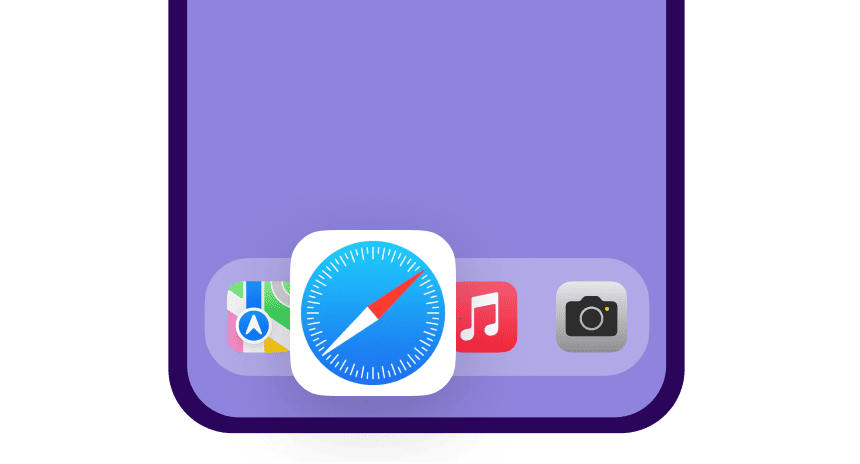
Open the website flysmartavia.com in the Safari mobile browser.
-
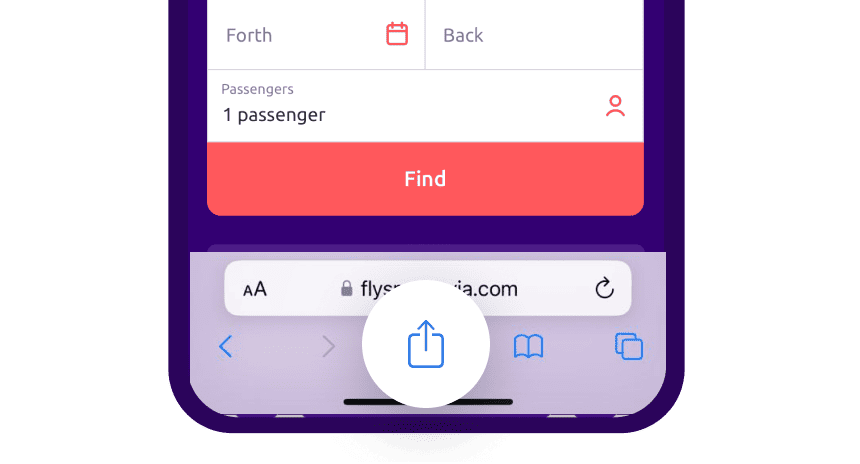
Tap the "Share" icon at the bottom of the screen.
-
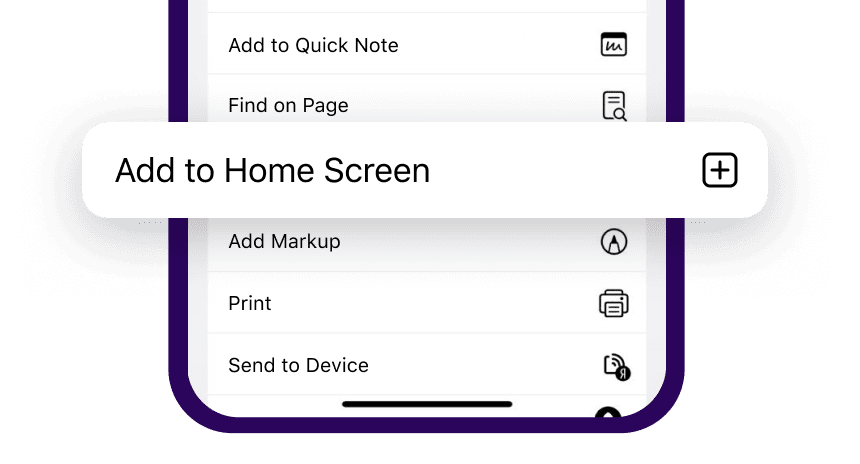
In the menu, select "Add to Home Screen"
-
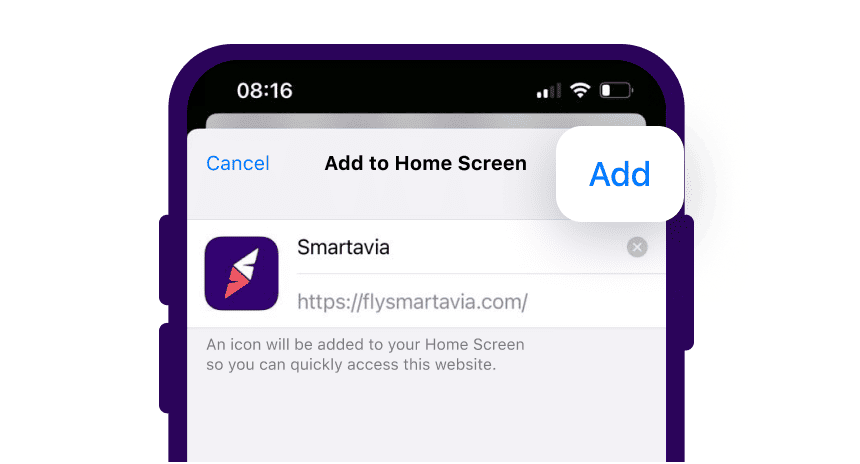
Tap "Add" in the top right corner of the screen. The Smartavia icon will appear on your home screen

Point your camera at the QR code to download the app from the website
or download us from available app stores