
For Android
For iOS


Option 2
Download Smartavia app from the website
You can download the app from the website as an APK file and install it on your smartphone manually.
Do not download files from untrusted sources. Use links only from this page.
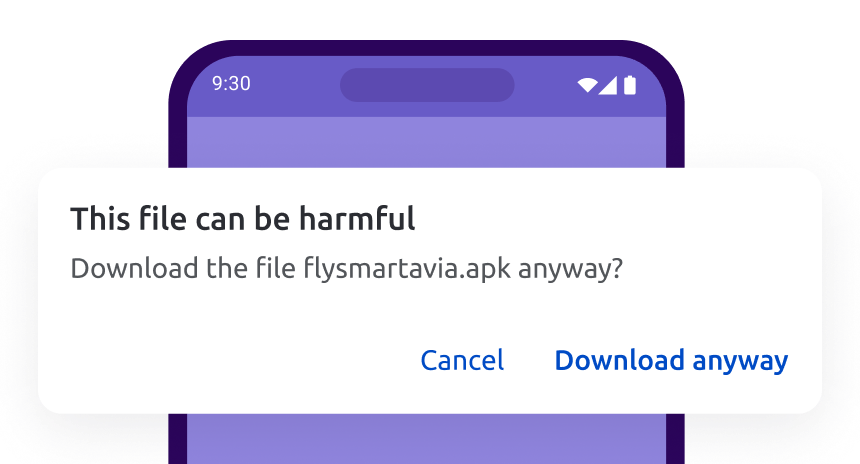
1. Allow file download
If a warning "File may be dangerous" appears, click "Download anyway" and run the installation file.
This is safe — it will be downloaded from our official website.
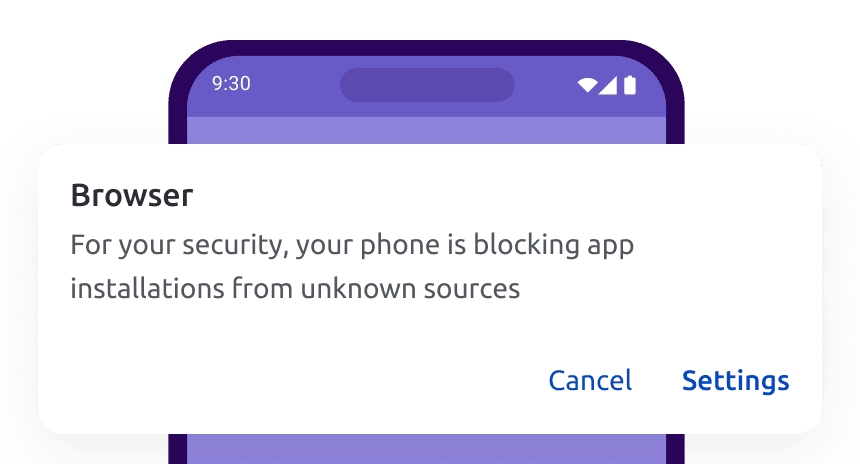
2. Allow the browser to install apps
If you receive a message about an unknown source, grant permission to install: Select "Settings" and activate "Allow app installation".
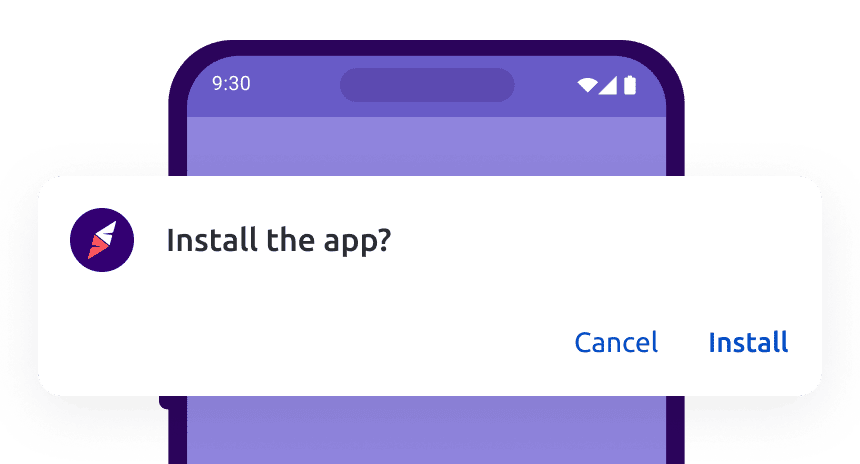
3. Install the app
The app file can be found in downloads or downloaded files. Start the installation and the app will appear on your home screen.
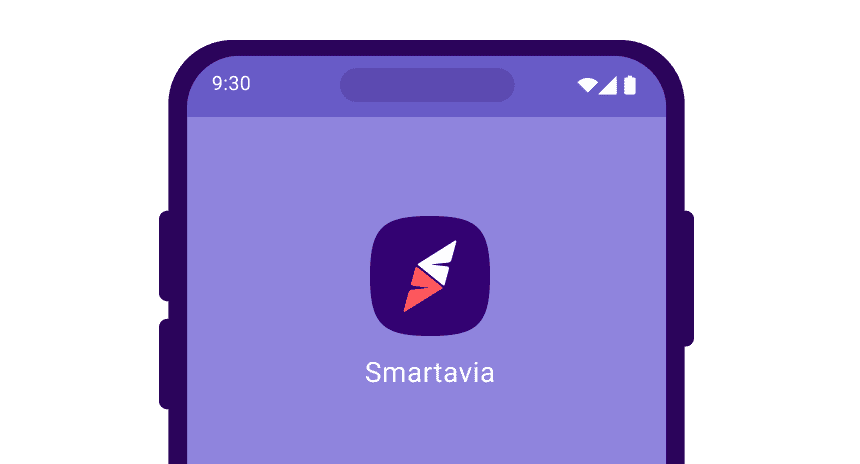
4. Done!
After installation, open the app and enjoy.
Frequently asked questions
These are standard smartphone security settings. To install the app, click "Download anyway".
This is an automatic browser warning. The app is fine, click "Allow installation".
- Restart your phone.
- Check that your phone has enough free space.
- If an error occurs during the update, delete the app and install it again.
If the information on this page didn't help, write to us. We'll figure out what went wrong.


Point your camera at the QR code to download the app from the website
or download us from available app stores